Project Management
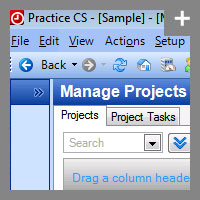
The Manage Projects screen gives you control over the workflow of your entire firm.
Accounting Project Management Software—Track Projects and Tasks from One Location
This project management workflow software lets you use the dashboards to monitor every detail of your firm's projects and tasks in real time—keeping you fully informed and offering complete control over your workflow.
With Project Management, you can:
- Track project due dates and progress with ease to ensure timely service and delivery to clients.
- Monitor staff availability at a glance to ensure the right people are working on the right projects.
- Capture every billable minute so no time is unaccounted for.
- Monitor staff performance and maintain a close watch on operational efficiencies.
- Maintain complete control over workflow, no matter how many projects are flowing through your office, to ensure peak productivity.
- Display each staff members' projects and tasks by configuring the staff dashboard, so they'll always know what to work on next.
- Optionally integrate projects with workflow items in FirmFlow, so you can centralize and manage all client and internal processes across the firm.
Download the Project Management Fact Sheet (PDF) for more details.
Back to top